Documentation IndexFetch the complete documentation index at: /llms.txtUse this file to discover all available pages before exploring further.
Fetch the complete documentation index at: /llms.txt
Use this file to discover all available pages before exploring further.
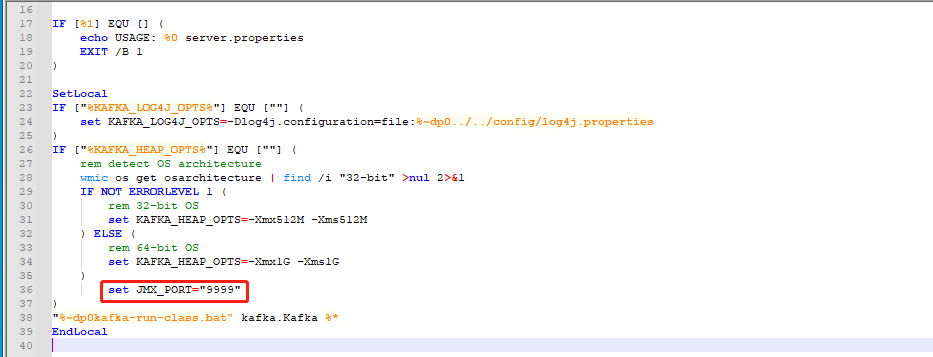
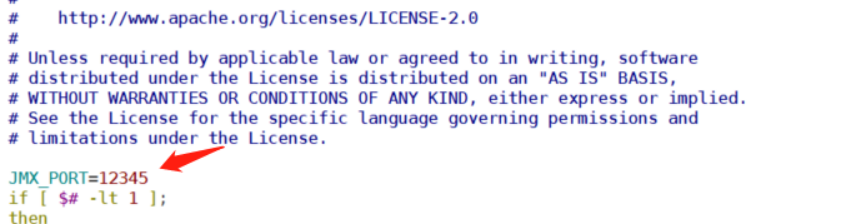
# vim /usr/local/kafka/bin/kafka-run-class.sh 加入以下内容,根据相应ip及端口填写JMX_PORT=12345 (在第一行添加JMX端口)-Djava.rmi.server.hostname=192.168.3.115(在168行添加IP)
Was this page helpful?

 2、重启kafka服务,查看JMX端口。
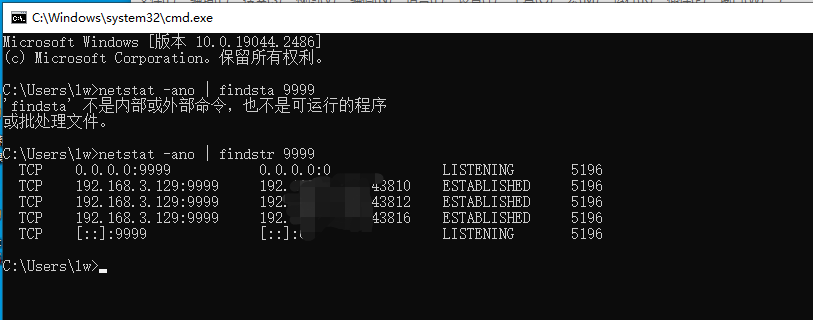
 2、 重启服务,查看JMX端口
