
2.1.10.1. windows系统
暂无2.1.10.2. linux系统
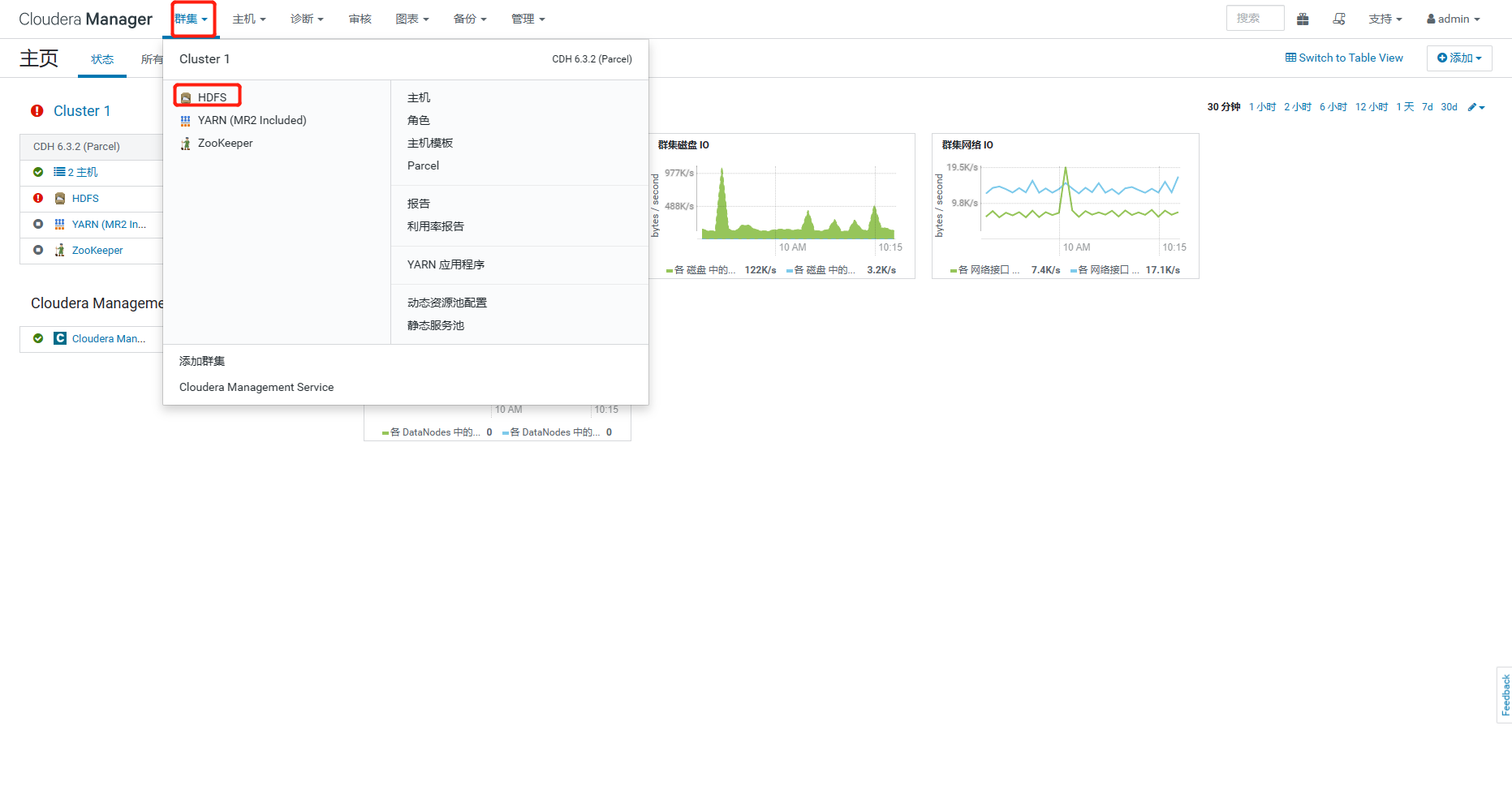
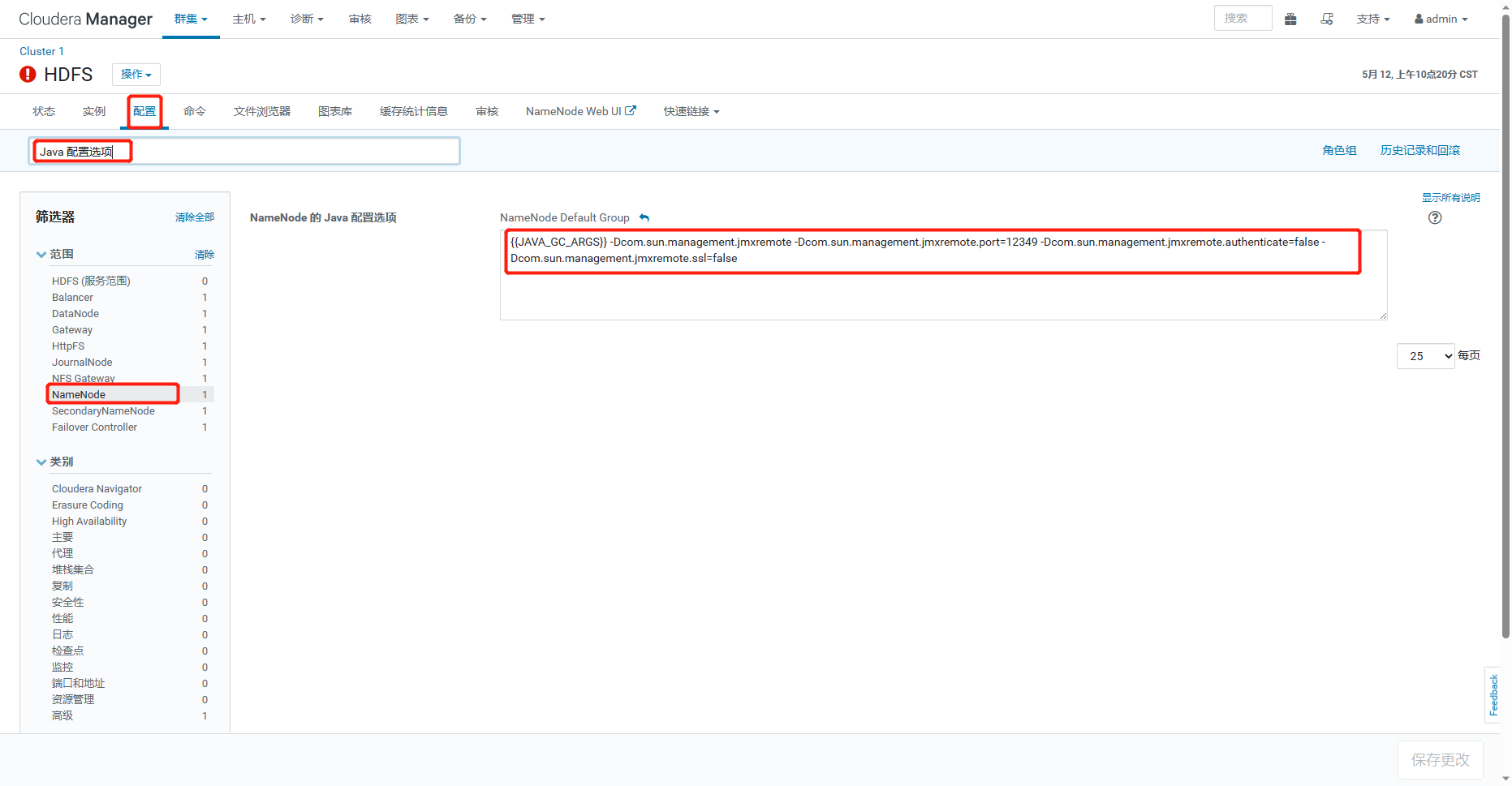
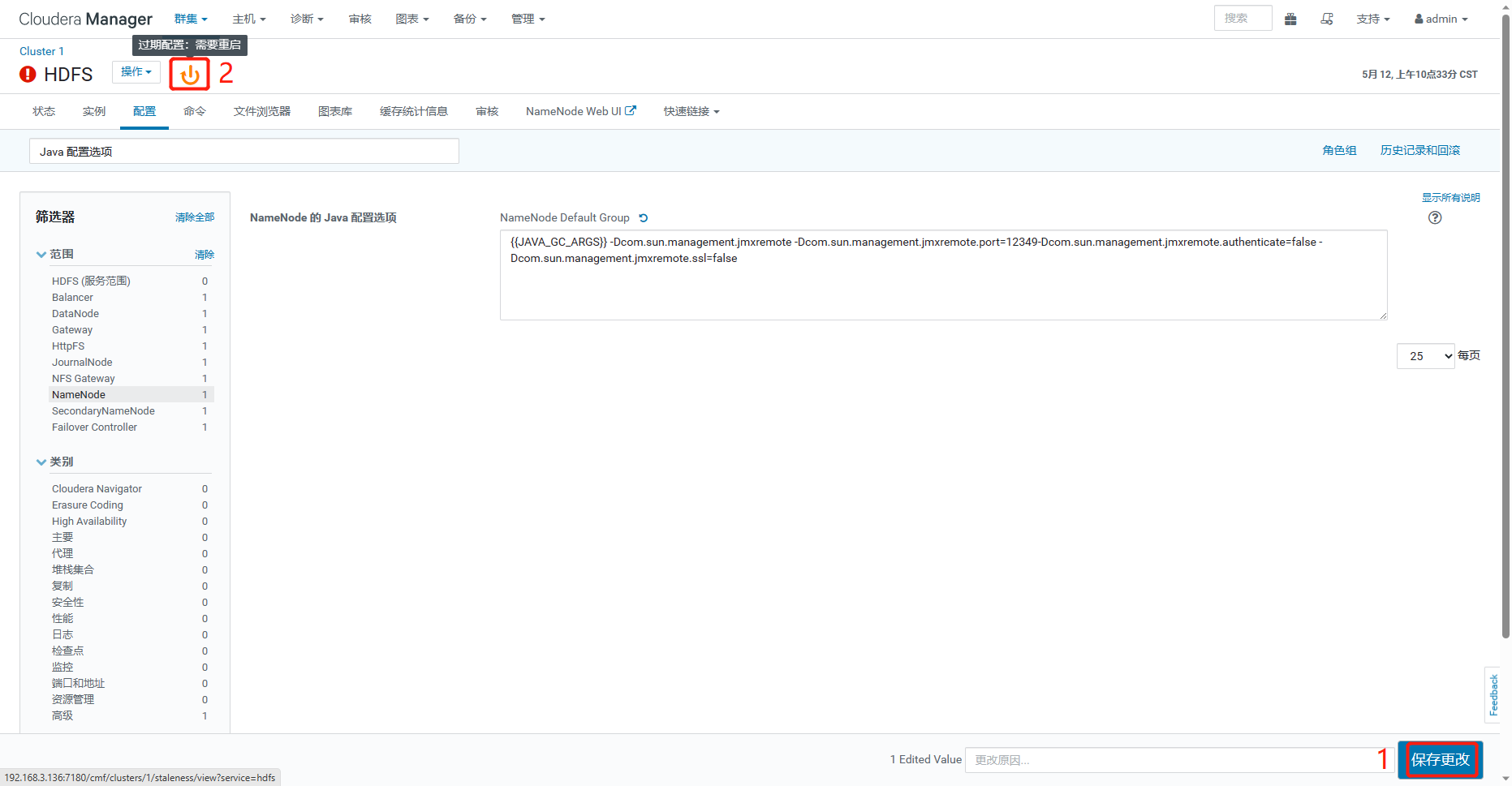
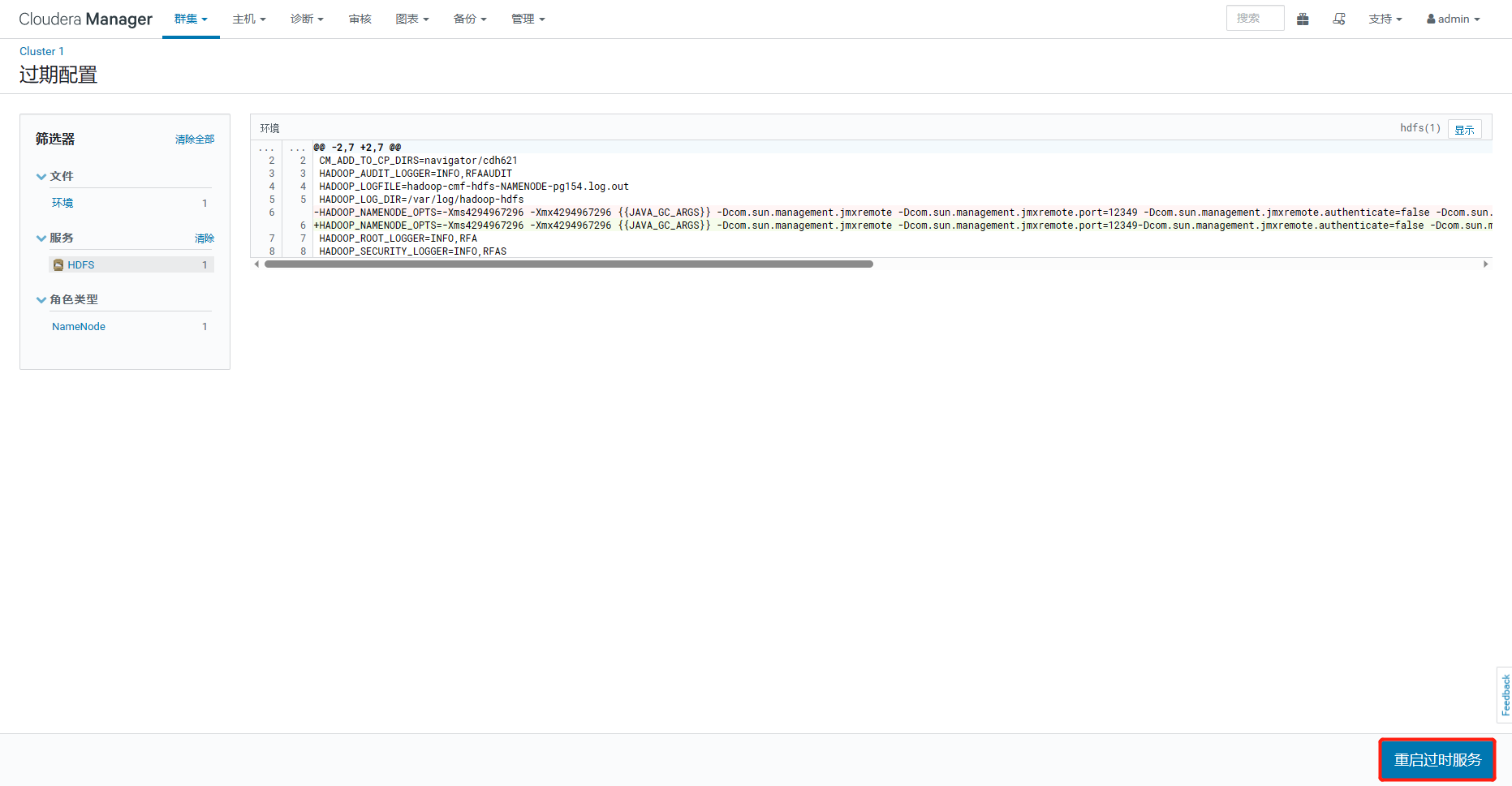
1、登录CM界面,http://192.168.3.136:7180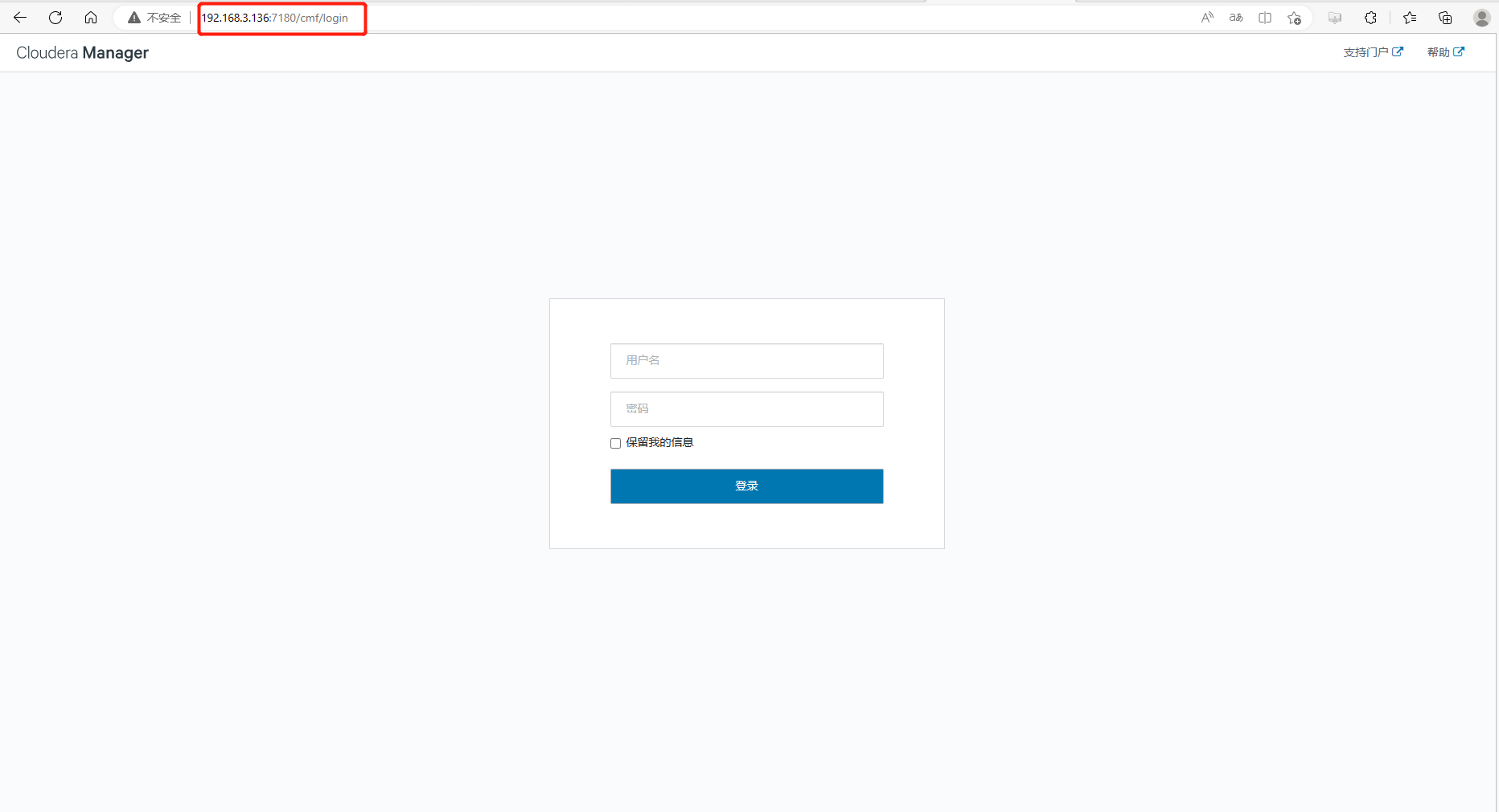 2、进入HDFS服务配置界面,筛选”Java 配置选项”,点击NameNode,添加JMX开启配置
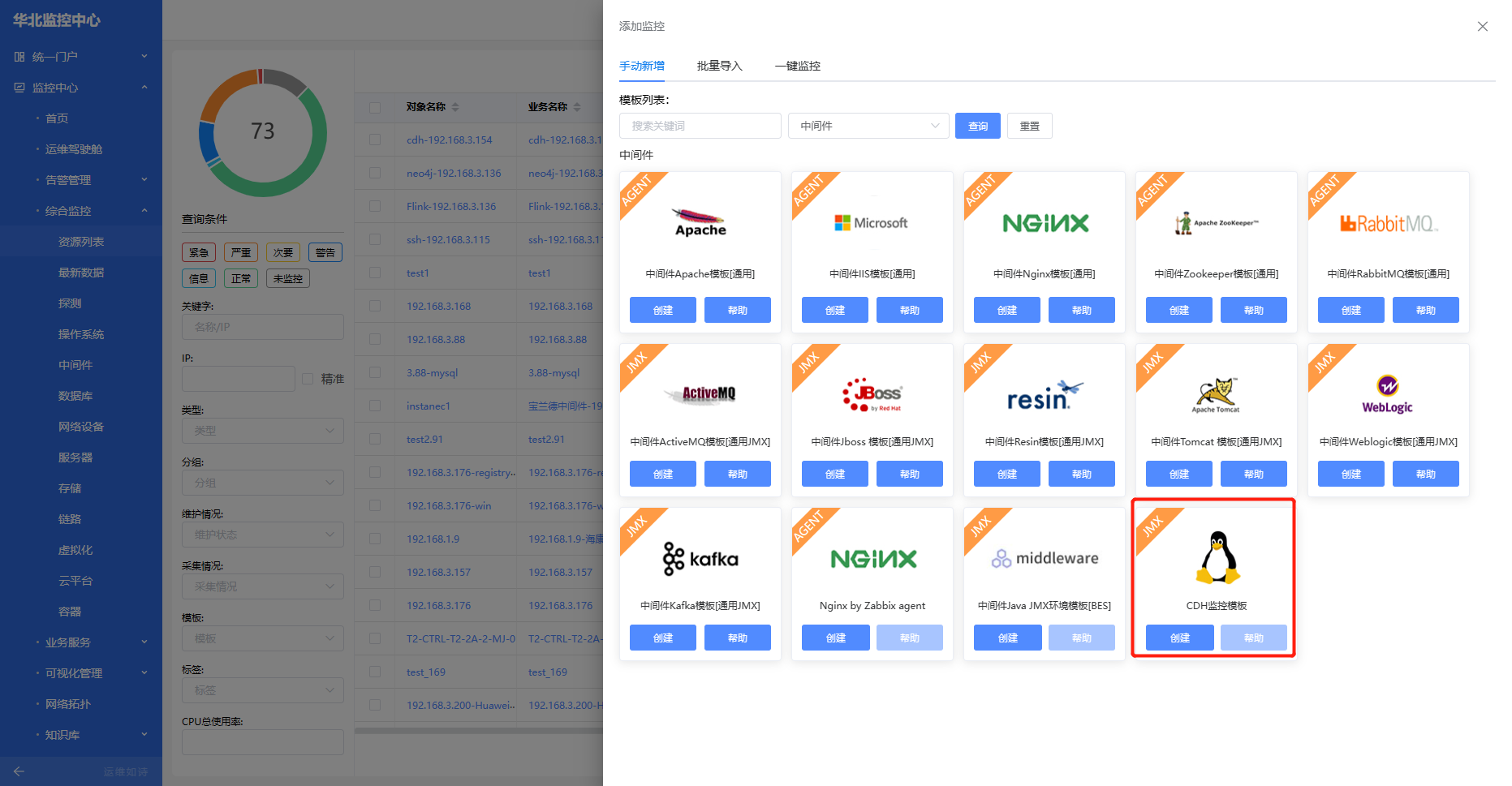
 4、平台导入模板后添加监控
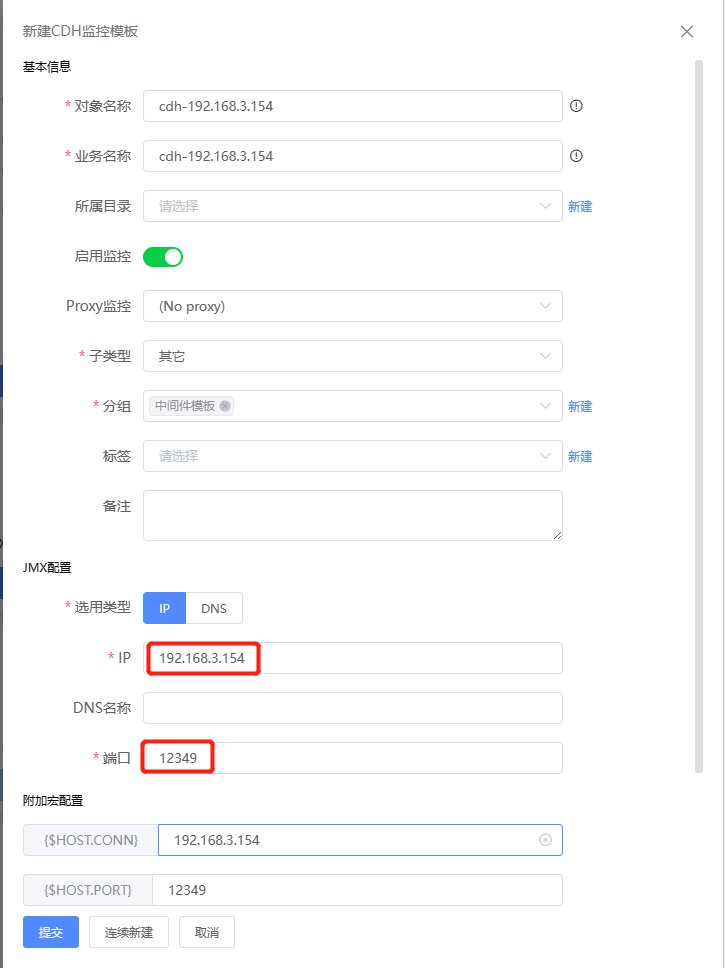
 5、IP填入对应节点IP,端口填入JMX配置端口
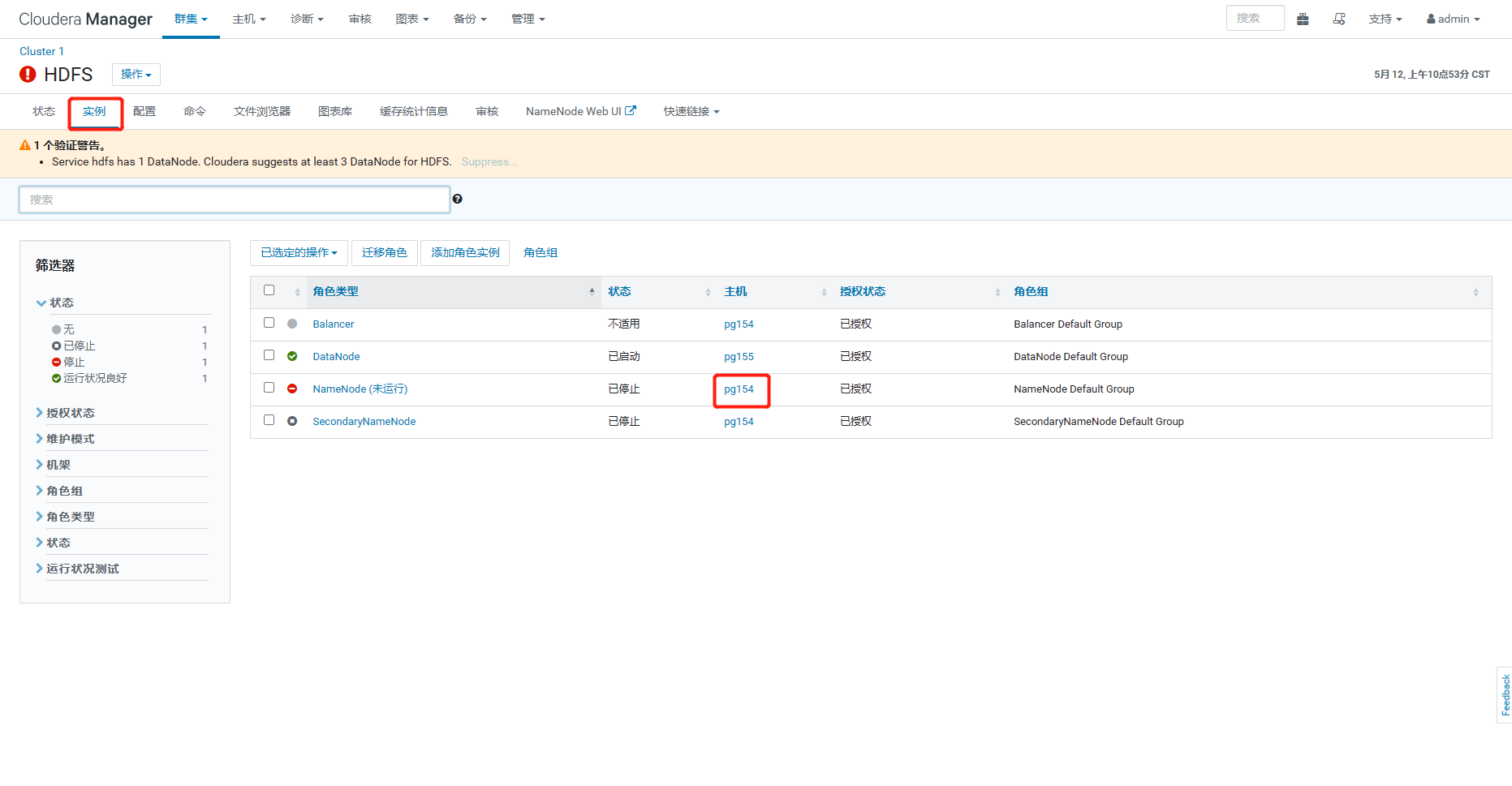
节点IP
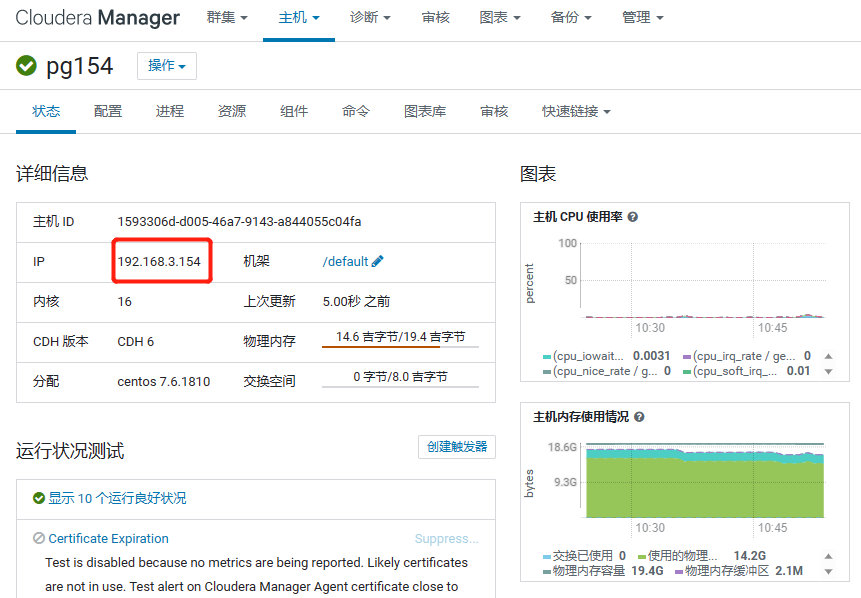
JMX端口
 2、进入HDFS服务配置界面,筛选”Java 配置选项”,点击NameNode,添加JMX开启配置
4、平台导入模板后添加监控
5、IP填入对应节点IP,端口填入JMX配置端口
2、进入HDFS服务配置界面,筛选”Java 配置选项”,点击NameNode,添加JMX开启配置
4、平台导入模板后添加监控
5、IP填入对应节点IP,端口填入JMX配置端口