Documentation IndexFetch the complete documentation index at: /llms.txtUse this file to discover all available pages before exploring further.
Fetch the complete documentation index at: /llms.txt
Use this file to discover all available pages before exploring further.
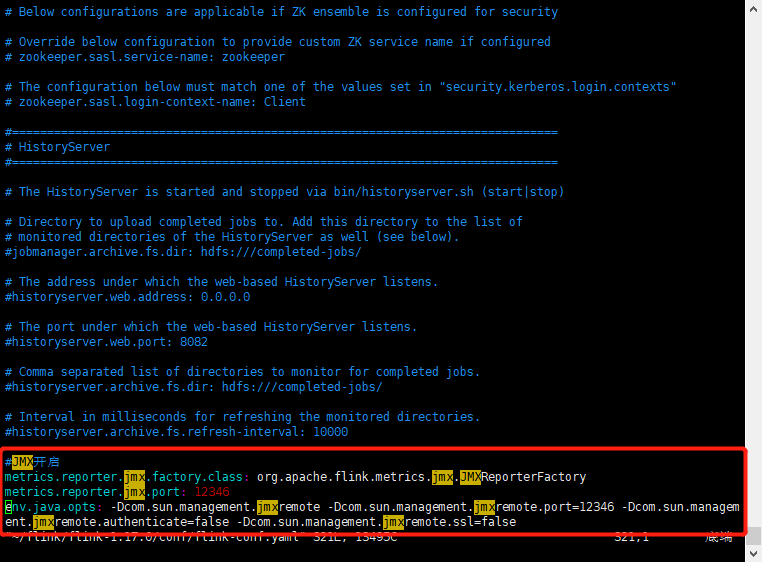
# vim /root/flink/flink-1.17.0/conf/flink-conf.yaml
metrics.reporter.jmx.factory.class: org.apache.flink.metrics.jmx.JMXReporterFactorymetrics.reporter.jmx.port: 12346env.java.opts: -Dcom.sun.management.jmxremote -Dcom.sun.management.jmxremote.port=12346 -Dcom.sun.management.jmxremote.authenticate=false -Dcom.sun.management.jmxremote.ssl=false
# /root/flink/flink-1.17.0/bin/stop-cluster.sh;/root/flink/flink-1.17.0/bin/start-cluster.sh
# ss -ntl|grep 12346
Was this page helpful?


 2、重启flink,查看端口是否启用

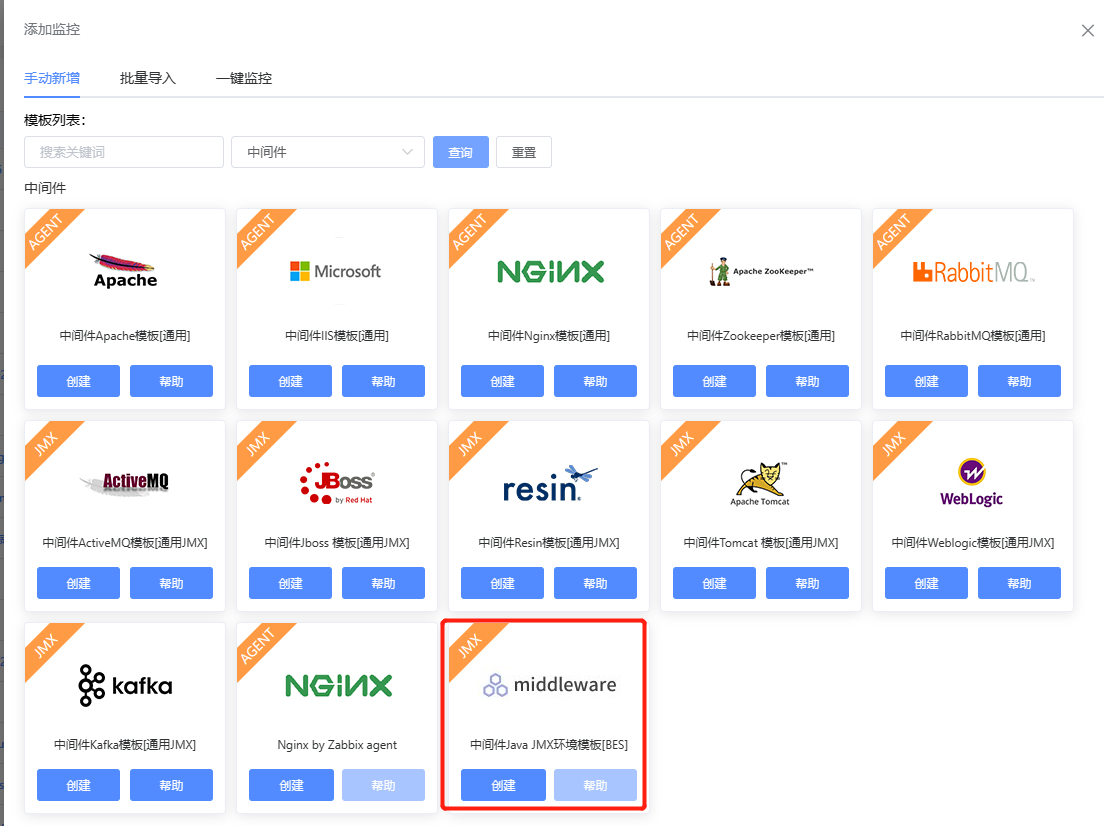
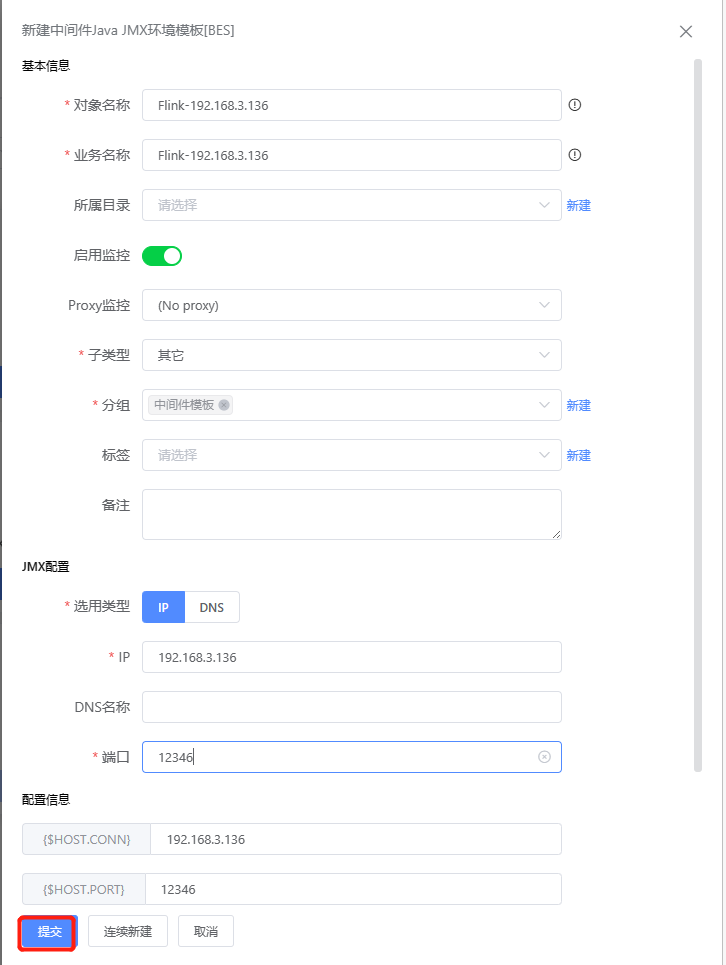
 3、添加监控选用中间件Java JMX环境模板[BES]模板