> ## Documentation Index
> Fetch the complete documentation index at: https://doc.lwops.cn/llms.txt
> Use this file to discover all available pages before exploring further.
# Lerwee API
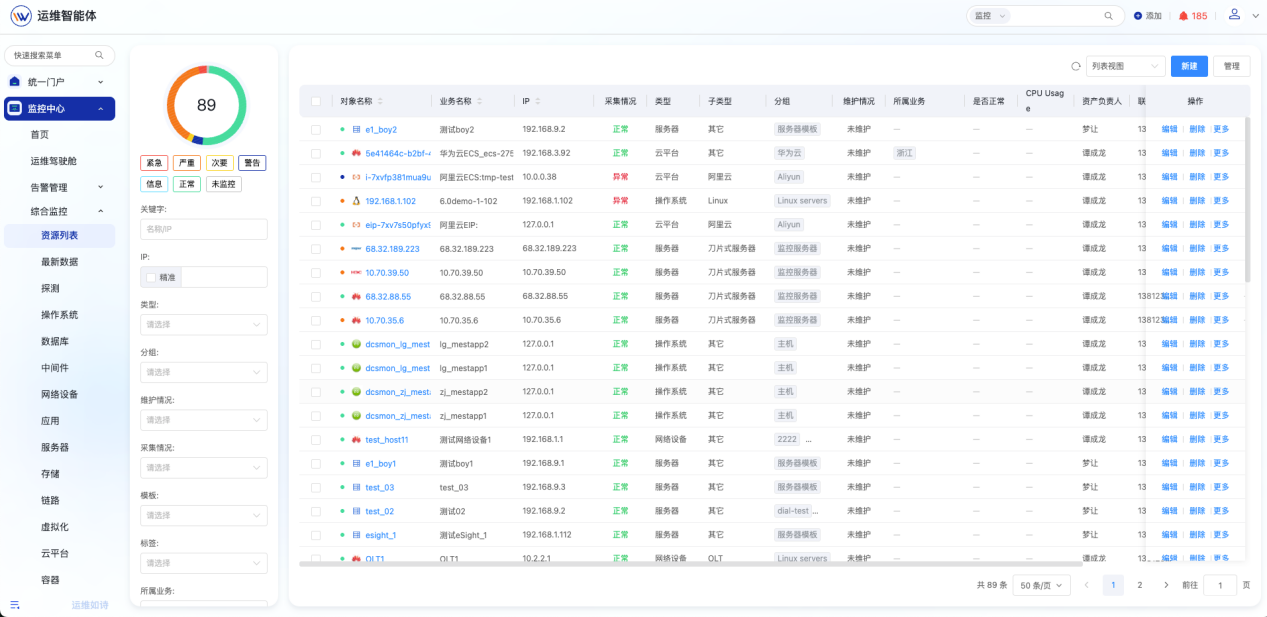
> Lerwee API 场景描述:适用于Openclaw对接Lerwee运维智能体。Lerwee API Skill 是 Lerwee 运维智能体与 Openclaw 对接的核心基础Skill,集成Lerwee系统API,支持监控管理、设备探测、告警处理、事件平台及业务视图等86+接口的统一调用...
场景描述:适用于Openclaw对接Lerwee运维智能体。Lerwee API Skill 是 Lerwee 运维智能体与 Openclaw 对接的核心基础Skill,集成Lerwee系统API,支持监控管理、设备探测、告警处理、事件平台及业务视图等86+接口的统一调用和签名验证,是实现所有后续运维操作的前提,其核心价值在于完成Lerwee系统 API 的集成与统一调用,让 Openclaw 能够顺畅对接Lerwee运维智能体的全量能力。
注:安装Lerwee-api前需先部署Lerwee运维智能体:[https://forum.lwops.cn/download#all](https://forum.lwops.cn/download#all)
***
**Openclaw安装Lerwee-api步骤**
技能地址:[https://clawhub.ai/Lerwee/lerwee-api](https://clawhub.ai/Lerwee/lerwee-api)
1.打开技能地址 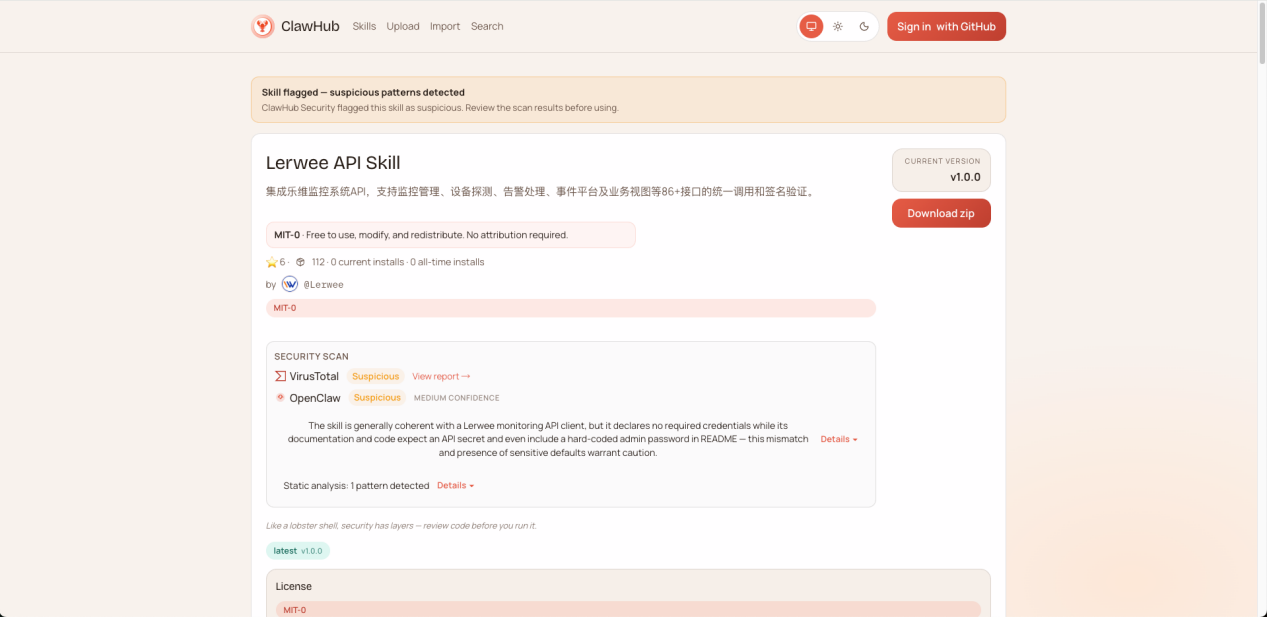 2.复制下载链接
 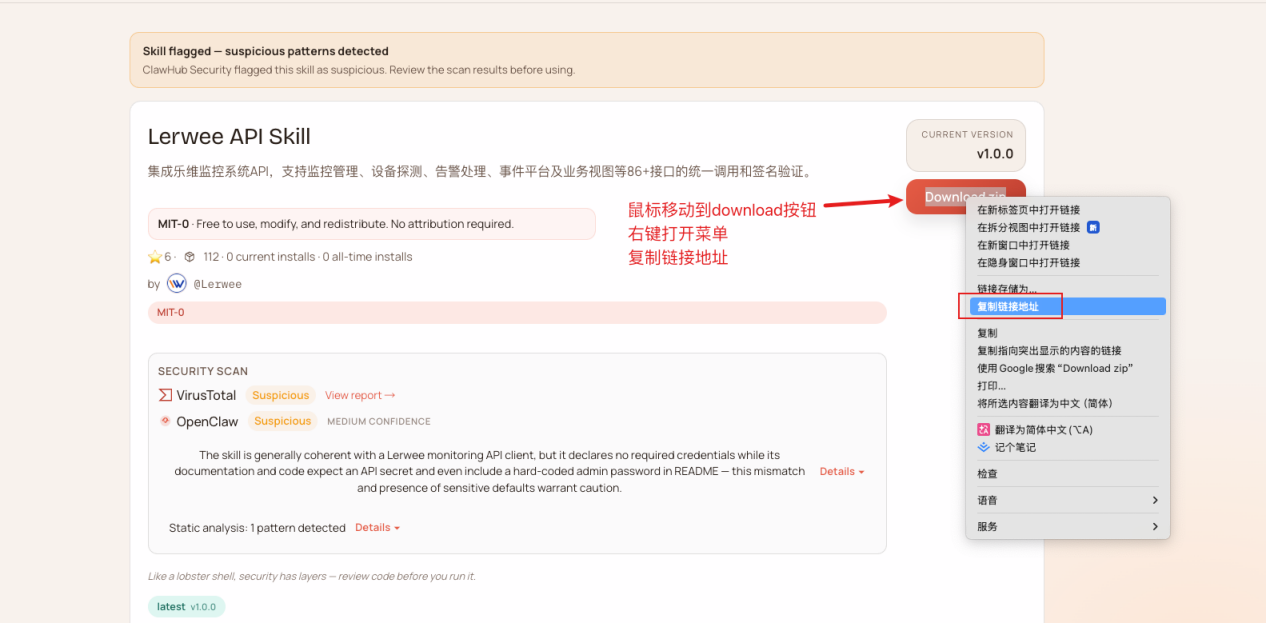 3.将下载链接告诉openclaw 提问: 下载并安装这个skills [https://wry-manatee-359.convex.site/api/v1/download?slug=lerwee-api](https://wry-manatee-359.convex.site/api/v1/download?slug=lerwee-api)
 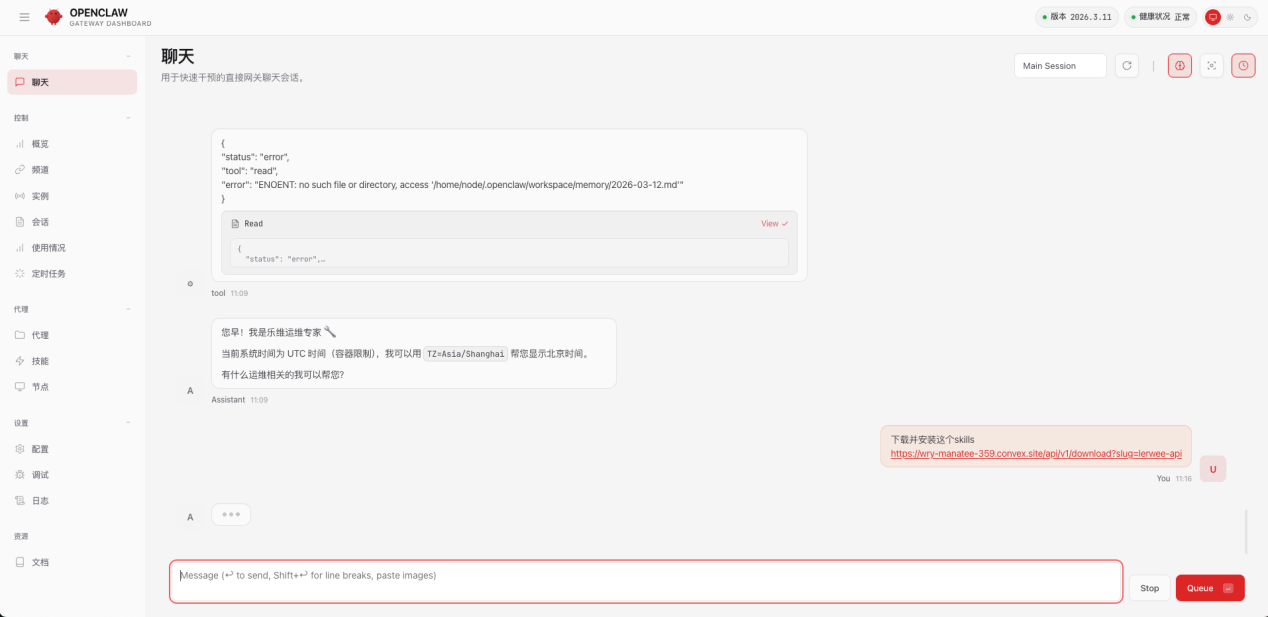 安装完成会提示需要 LERWEE\_SECRET
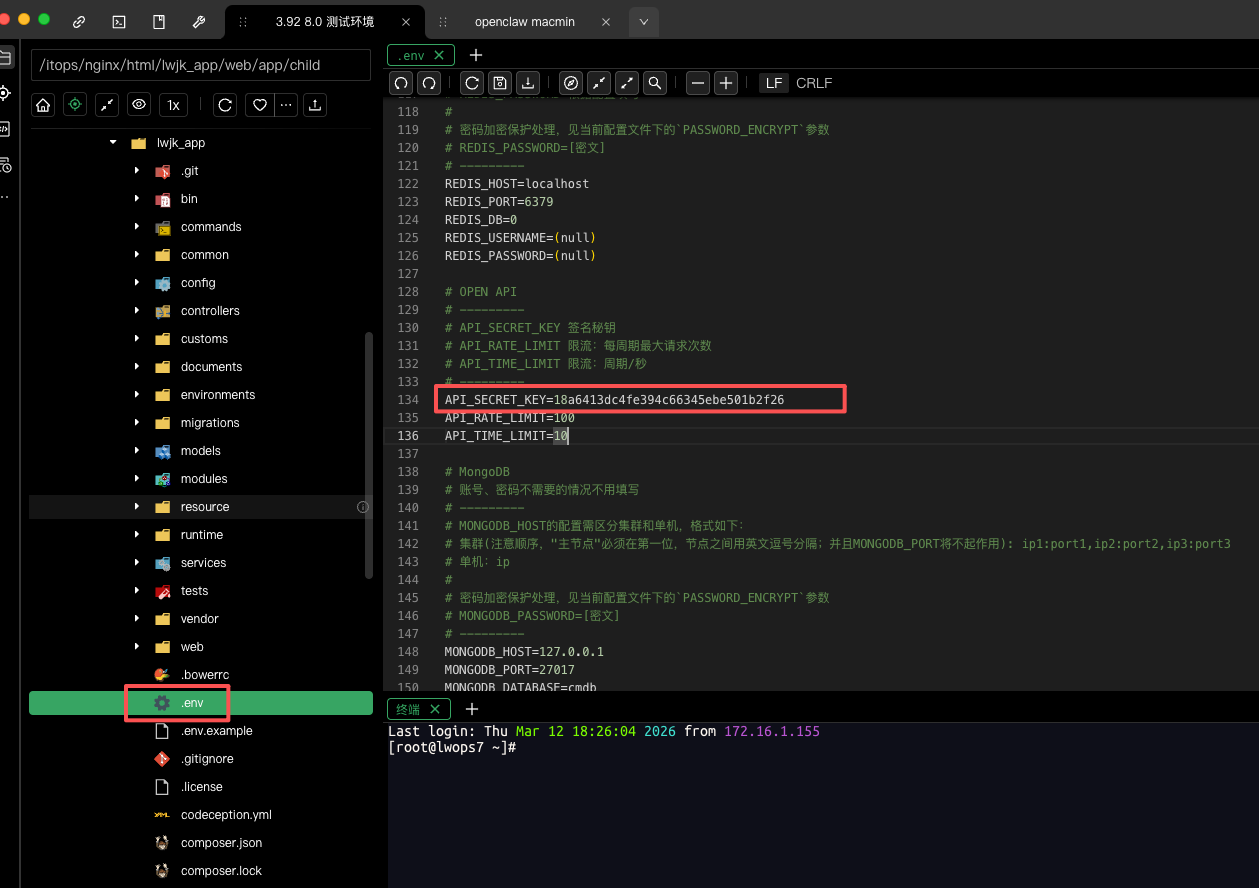
 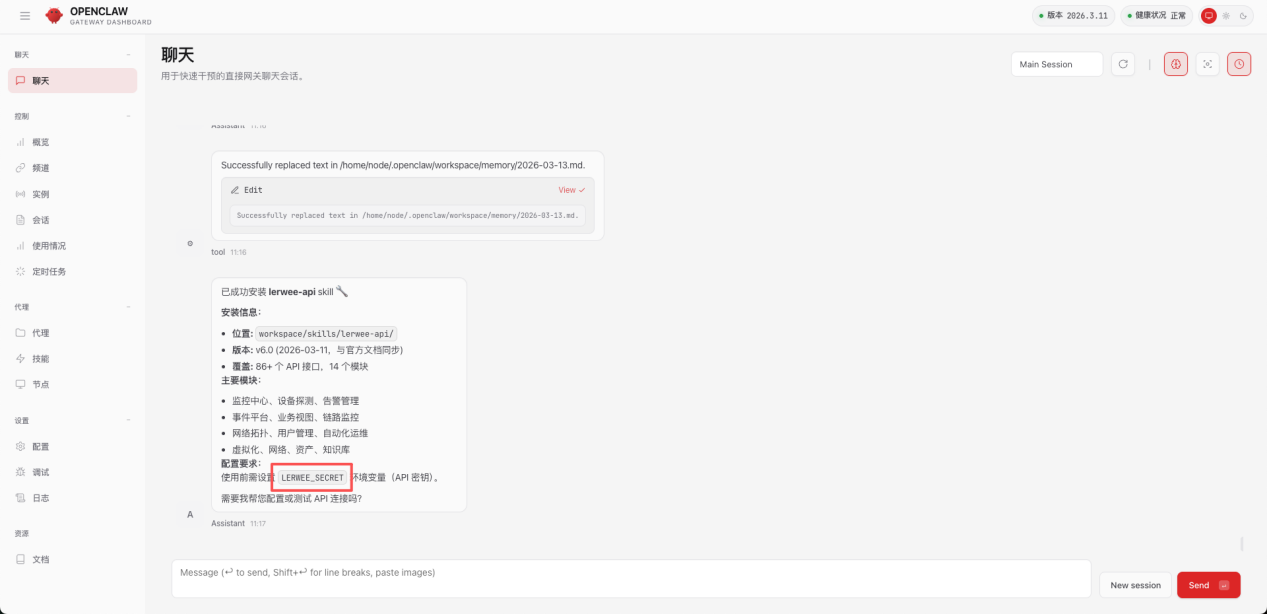 4.获取内网系统的API Secret 通过ssh连接到部署的服务器 打开 /itops/nginx/html/lwjk\_app/.env 在里面找到 API\_SECRET\_KEY API\_SECRET\_KEY就是openclaw需要的 LERWEE\_SECRET
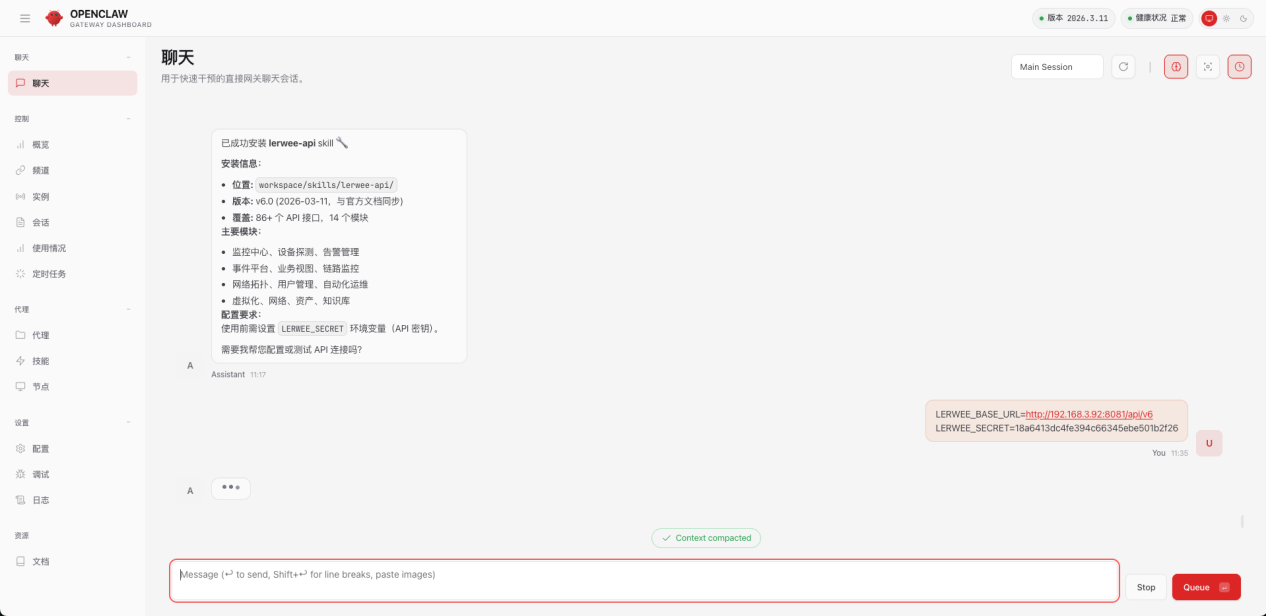
  5.openclaw配置 配置前还需要把内网系统的地址发给openclaw,/api/v6 这个是固定的 提问: LERWEE\_BASE\_URL=[http://192.168.3.92:8081/api/v6](http://192.168.3.92:8081/api/v6) LERWEE\_SECRET=18a6413dc4fe394c66345ebe501b2f26
  执行测试
执行测试 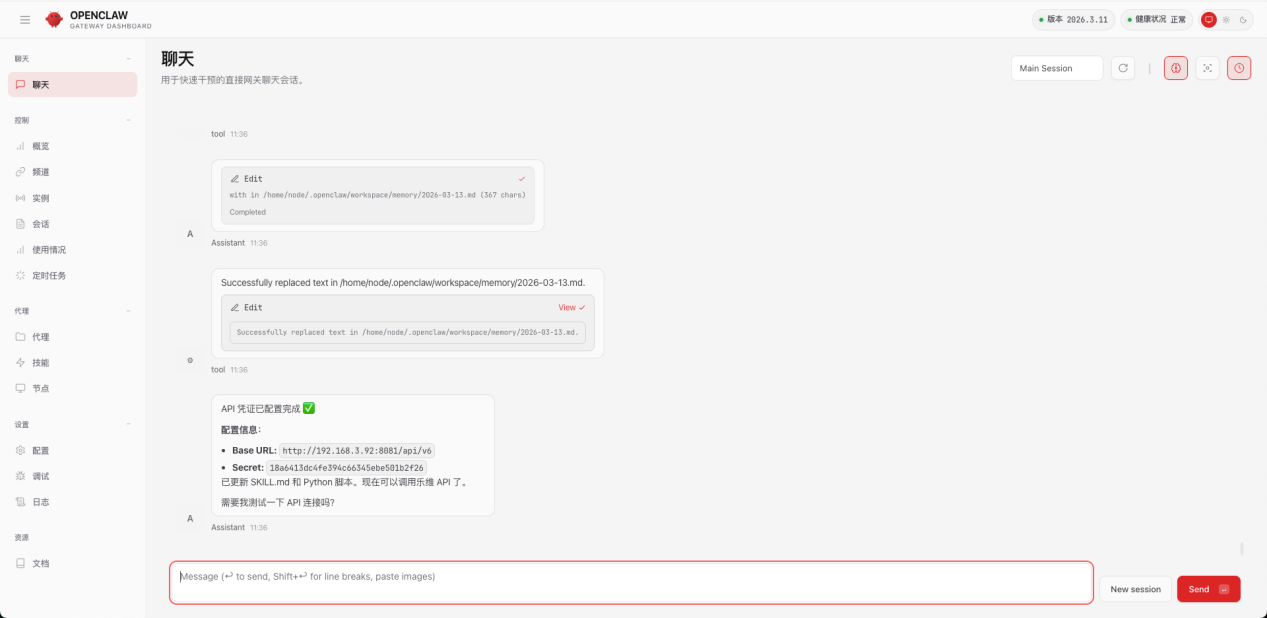 测试成功
测试成功 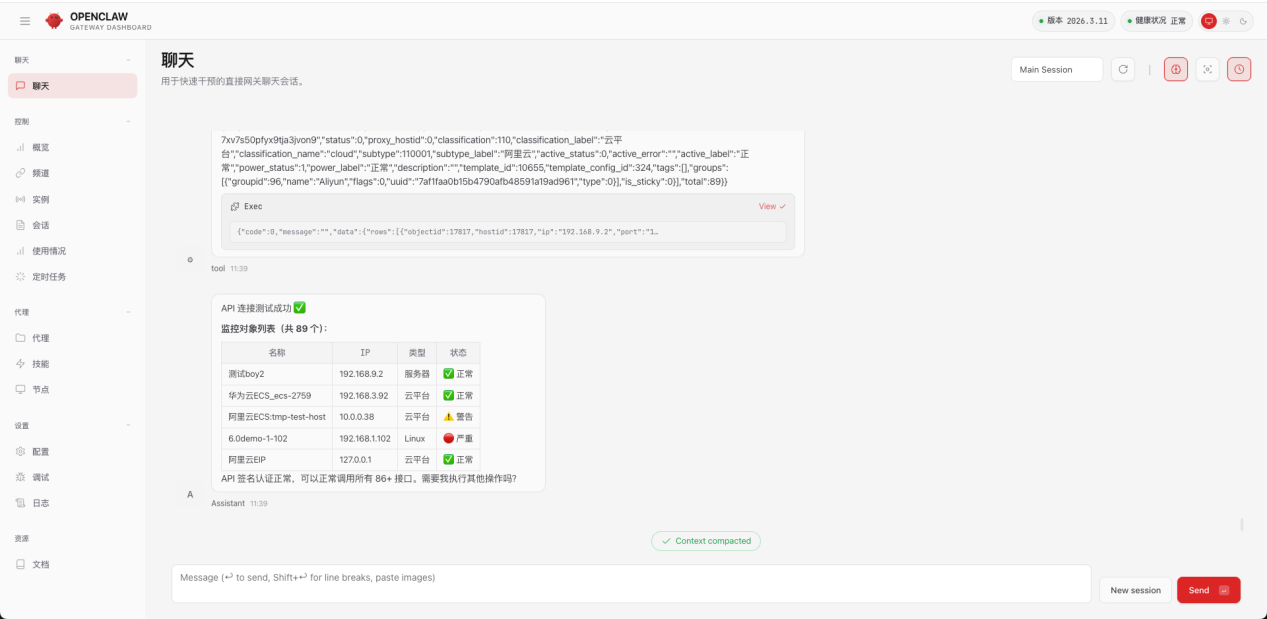 回到平台校验数据